
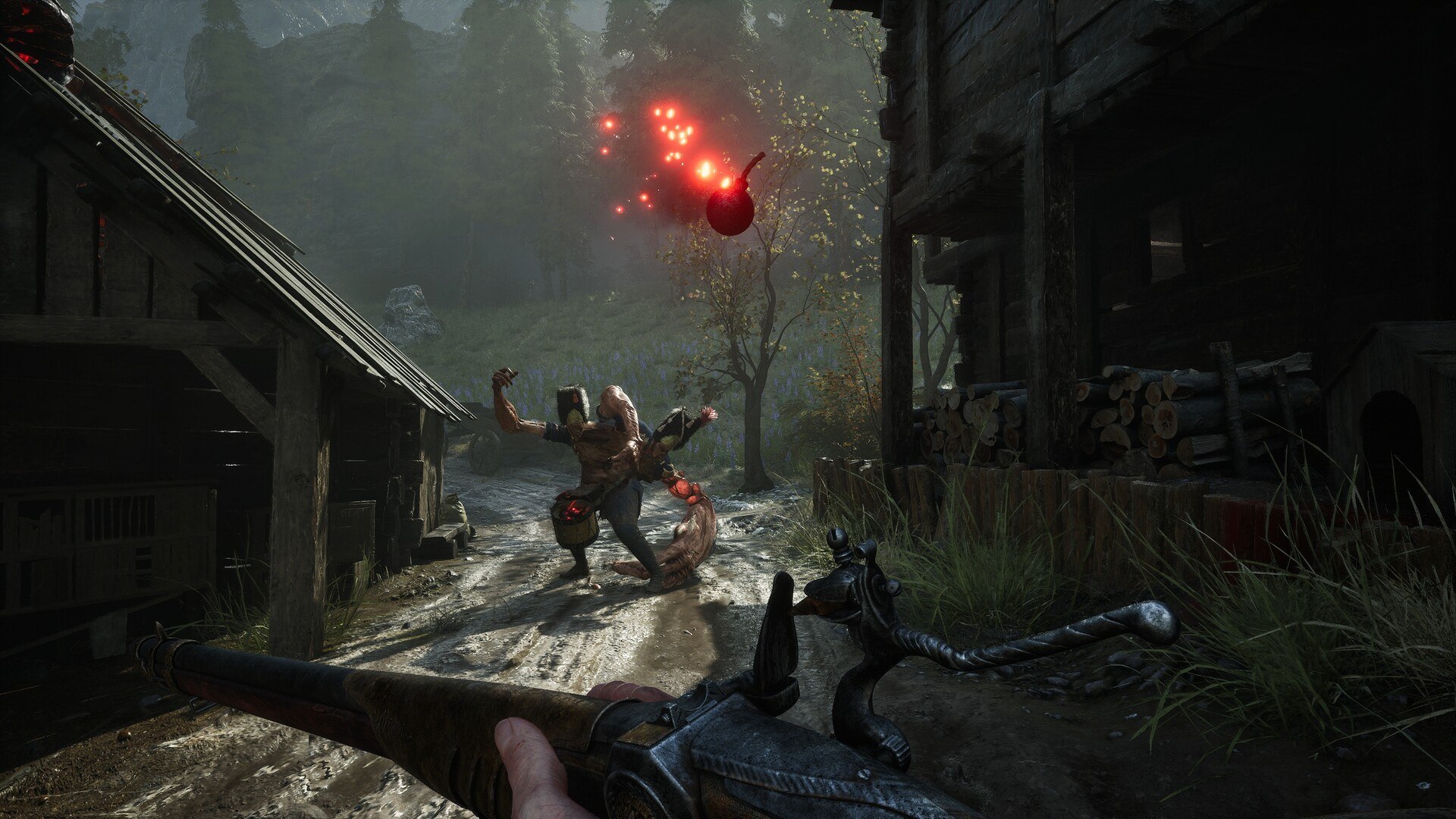
The published Low target is the starting evidence
The Steam requirement supplies both hardware and a performance target. It names Low settings, 1080p and upscaling, which are part of the stated minimum rather than a general promise of performance. This is the strongest numerical reference in the collected material for discussing graphics settings without inventing measurements.
A list of community suggestions is a different kind of information from that requirement. The research does not establish controlled retail measurements for shadows, effects or a named upscaler on each graphics card. Those proposed presets and predicted gains are therefore not published as tested recommendations here.
Compatibility changes are not an optimal-preset test
The version 1.02 demo hotfix discusses supported DLSS and XeSS technologies and compatibility checks for AMD features. Version 1.03 adds better GPU autodetection along with further performance work. These notes describe improvements to hardware handling in the demo, rather than a benchmark ranking every setting.
The distinction keeps the settings answer specific. A technology being supported on suitable hardware does not show its measured advantage on every machine. The rest of this page describes the official minimum and the known development context without attaching an invented frame-rate gain to any individual option.
The current PC minimum requirements
The current Steam minimum lists Windows 10, a Ryzen 5 3600 or Core i5-10600K, and 16 GB of RAM. Its graphics requirement is an RX 5600 XT or GTX 1660 Ti, with DirectX 12. These components should be read together as the published minimum configuration, rather than choosing one requirement and treating it as the whole performance target. The listed alternatives are the publisher’s specified processor and graphics examples, not a comprehensive ranking of other components by expected performance.
Steam specifies 60 GB of available storage and requires an SSD. The accompanying target is 30 FPS at 1080p on Low with upscaling, which is more precise than a general claim that the game will run. The retrieved official listing supplies that minimum target; it does not provide a verified higher-resolution or high-refresh benchmark for every other configuration. An SSD and the stated settings target are part of the same published requirement, so they belong alongside the headline memory and graphics information.
Upscaling support in the demo patches
The June version 1.02 demo hotfix restored DLSS and XeSS technologies for supported graphics hardware. The developer also described compatibility checks for AMD frame-generation and latency technologies. Those notes establish that hardware compatibility was part of the demo’s settings work, rather than showing that every upscaler is suitable for every graphics card. The wording about supported hardware matters because the patch concerns compatibility, not a blanket instruction to enable every technology on every machine.
Version 1.03 added more accurate GPU autodetection and continued performance improvements across the demo levels. An automatic hardware selection is a useful starting point, but the patch notes do not turn it into a measured best-settings recommendation. The recorded changes belong to those demo versions and should remain identified by version when comparing older performance reports. That distinction preserves the version history and prevents a demo optimization note from being treated as an independent final-game performance measurement.
Memory and tutorial crash fixes
Version 1.01 was the first published demo hotfix in June. It addressed crashes related to memory management and tutorial screens, alongside places where the player could become stuck in the environment. This is a list of developer-reported fixes for an identified build, so it is more specific than a general promise that a crash can be solved by changing any graphics setting. The developer names the affected systems, allowing an earlier report to be compared with a relevant patch rather than an unrelated troubleshooting suggestion.
The same update improved environmental performance in Chapter I and the General Lothaire encounter. It also adjusted Lantern interactions to make them more consistent across the demo’s two levels. These entries identify which systems received attention, but they do not establish that a later crash with a different message has the same cause. The precise version and feature references help identify the scope of the published fix without promising a repair for an undocumented retail-build error.
Block, level-loading and blood-effects fixes
The version 1.02 demo notes identify crashes caused by excessive player events and by blocking enemy attacks in particular situations. These are distinct symptoms with a published patch reference, rather than one undifferentiated performance issue. A report about the early demo is most useful when its version and triggering action are kept together. The recorded trigger is part of the useful information, because two crashes during the same session need not belong to the same listed issue.
Version 1.03 subsequently fixed a crash while loading the Witch Hunt level and another involving corrupted blood effects. It also mitigated looping audio after certain enemy kills and improved GPU autodetection. The notes support those historical fixes, without supplying a universal repair for the unreleased retail build or a reason to alter game files through an unofficial modification. This is a developer-reported change list for a particular version, and its status should remain attached to the build when citing the fix.
Why the demo differs from the campaign
The public Steam demo used specially adapted versions of Chapters I and VII. In the September development update, the studio explains that these levels were rebuilt for Steam Next Fest rather than simply copied from the finished campaign. Their chapter labels therefore describe the pieces used for the demo, not a complete route through the retail story. The modified structure explains why a guide can discuss a later chapter immediately after an introductory section without documenting the intervening story.
The developer also said that incorporating final-game optimization, balancing and fixes into those bespoke demo levels was not straightforward. This is why the demo’s presentation and difficulty need to be read as a particular build. A video recorded in that version remains useful historical material, but it does not establish the exact state of the game released later. The announcement gives a reason for comparing builds carefully, rather than assuming that an earlier recorded bug or difficulty spike describes every subsequent version.
Rebinding and target lock
Keyboard rebinding is explicitly discussed in the official combat development update. Players had reported that the old Ctrl and Alt controls could feel uncomfortable, and the studio said it would reconsider the defaults. The same post highlights mouse side buttons as an alternative for blocking or dodging, so a player’s own comfortable mapping is part of the supported control approach. That is practical input information confirmed by the studio, without requiring every player to copy the same keys from an old demonstration.
Target lock and camera behaviour were another focus of the update. The team described plans for better tracking, smarter target priority and a range that accommodates both melee and ranged combat. Those statements confirm the system under discussion, without turning an old demo layout into a complete table of final keyboard and controller bindings. A recorded target-lock change concerns camera handling, whereas a binding concerns the input used to trigger it, and the update addresses both questions.
Sources and further reading
- Valor Mortis — Steam
- Demo Hotfix (Version 1.02) - DLSS is Back!
- Demo Hotfix (Version 1.03)
- Demo Hotfix (Version 1.01)
- The Final Stretch - Development Update
- Valor Mortis Demo is Available Now!
- 3 things we are working on to improve combat in Valor Mortis